Do I need landscape-design experience?
No. Klora is designed to help homeowners organize their ideas visually while providing practical information throughout the planning process.
Can I design on my actual property?
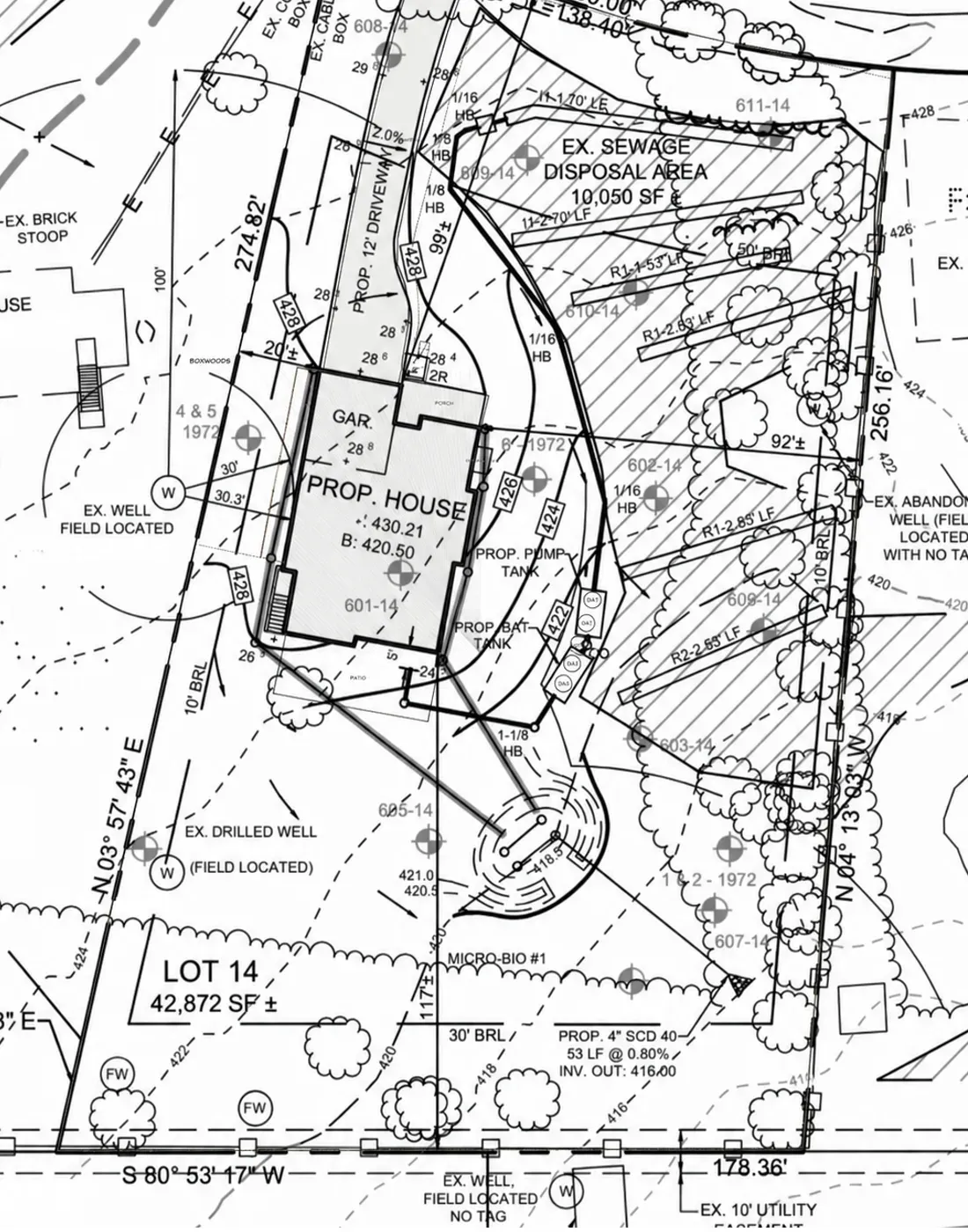
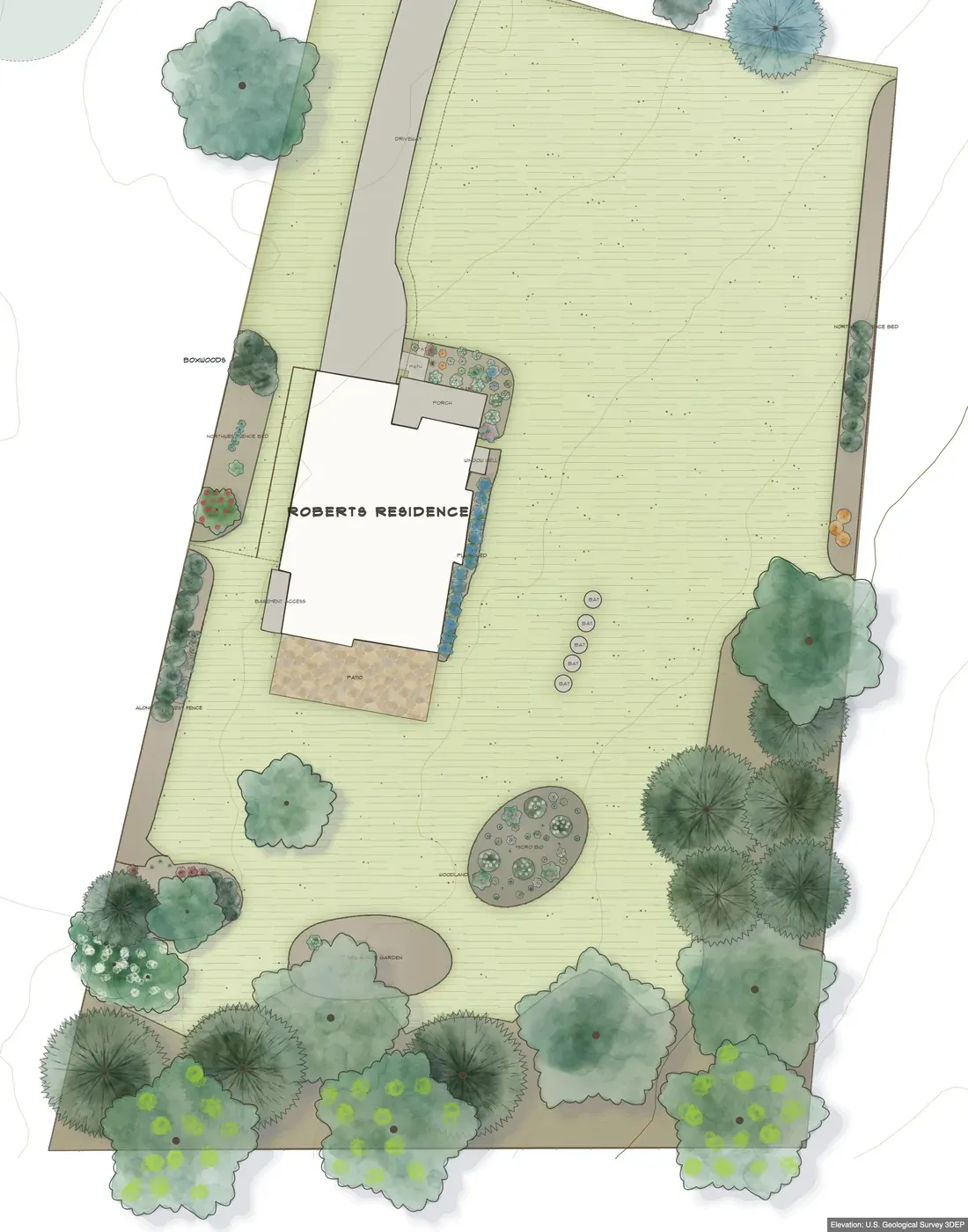
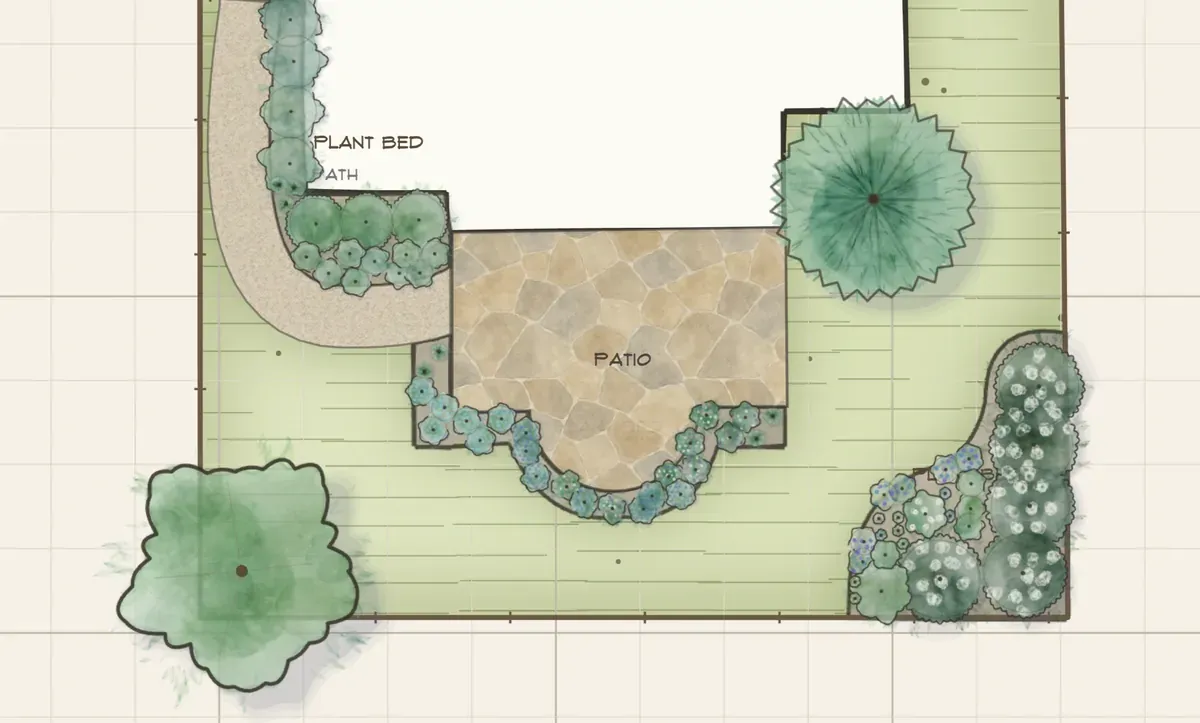
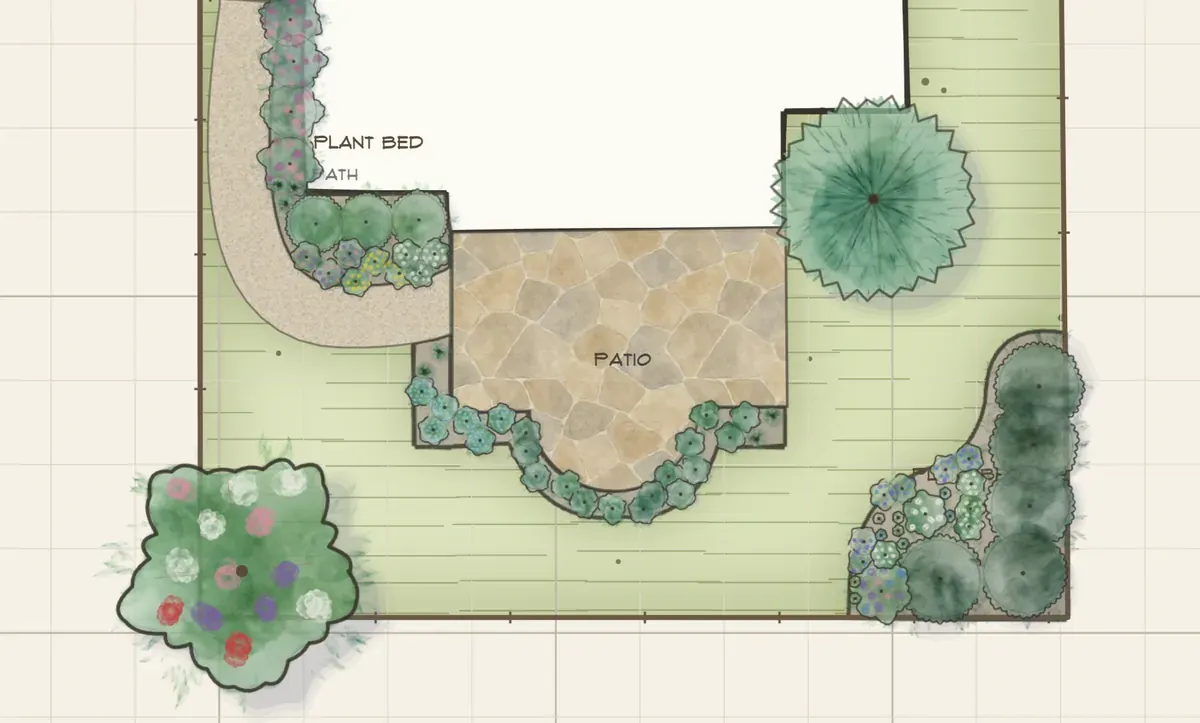
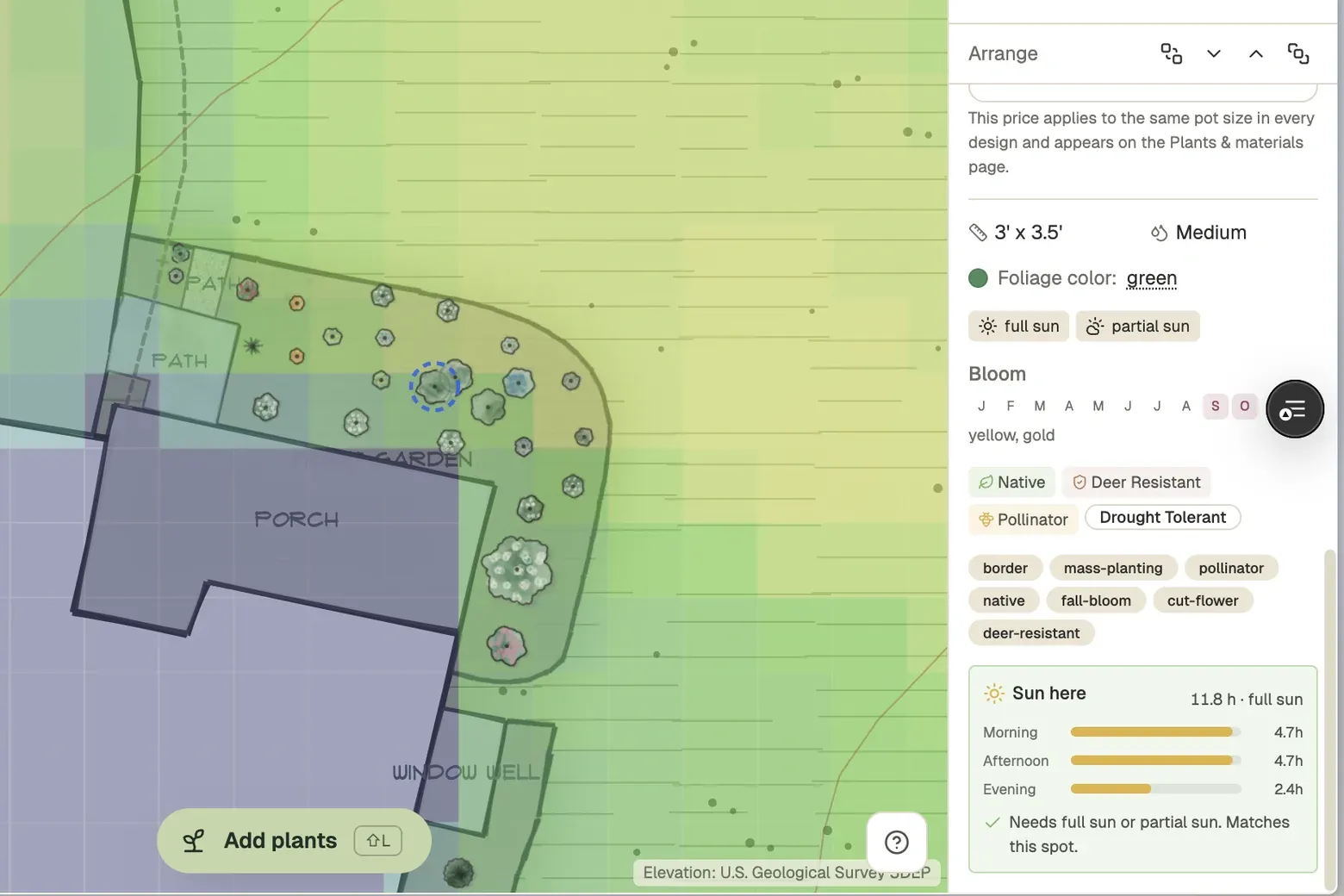
Yes. Klora lets you use your property as the foundation of the design instead of beginning with a generic garden template.
Can I plan more than plants?
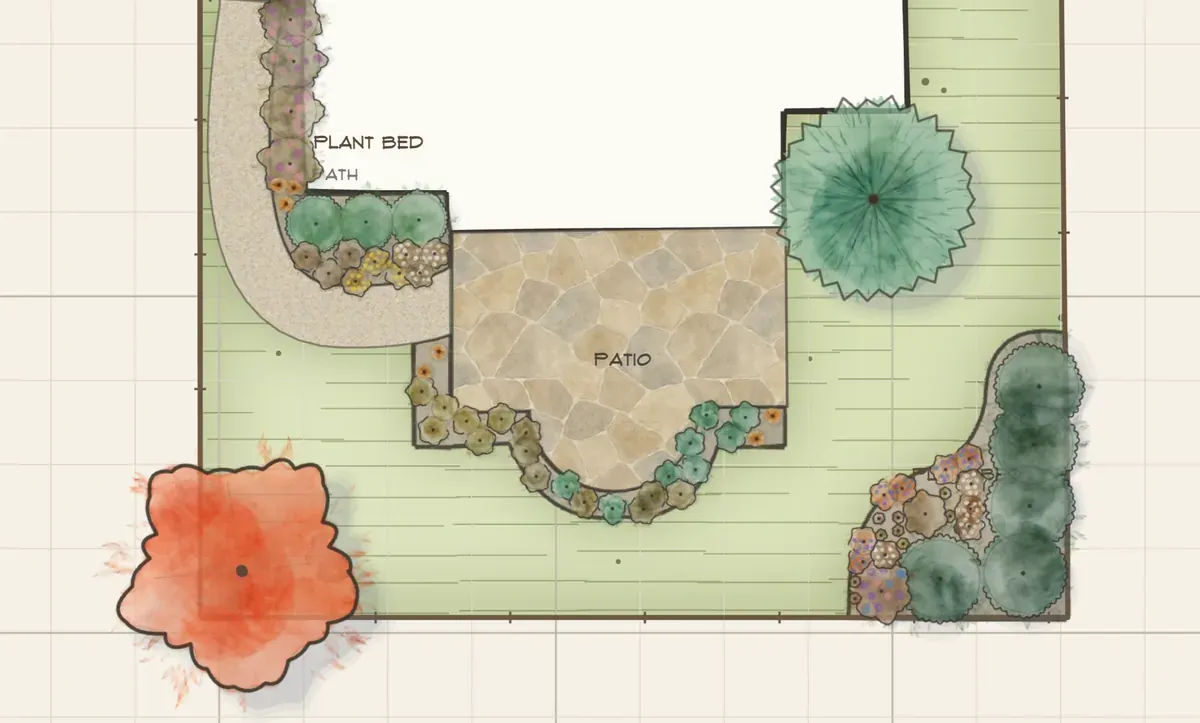
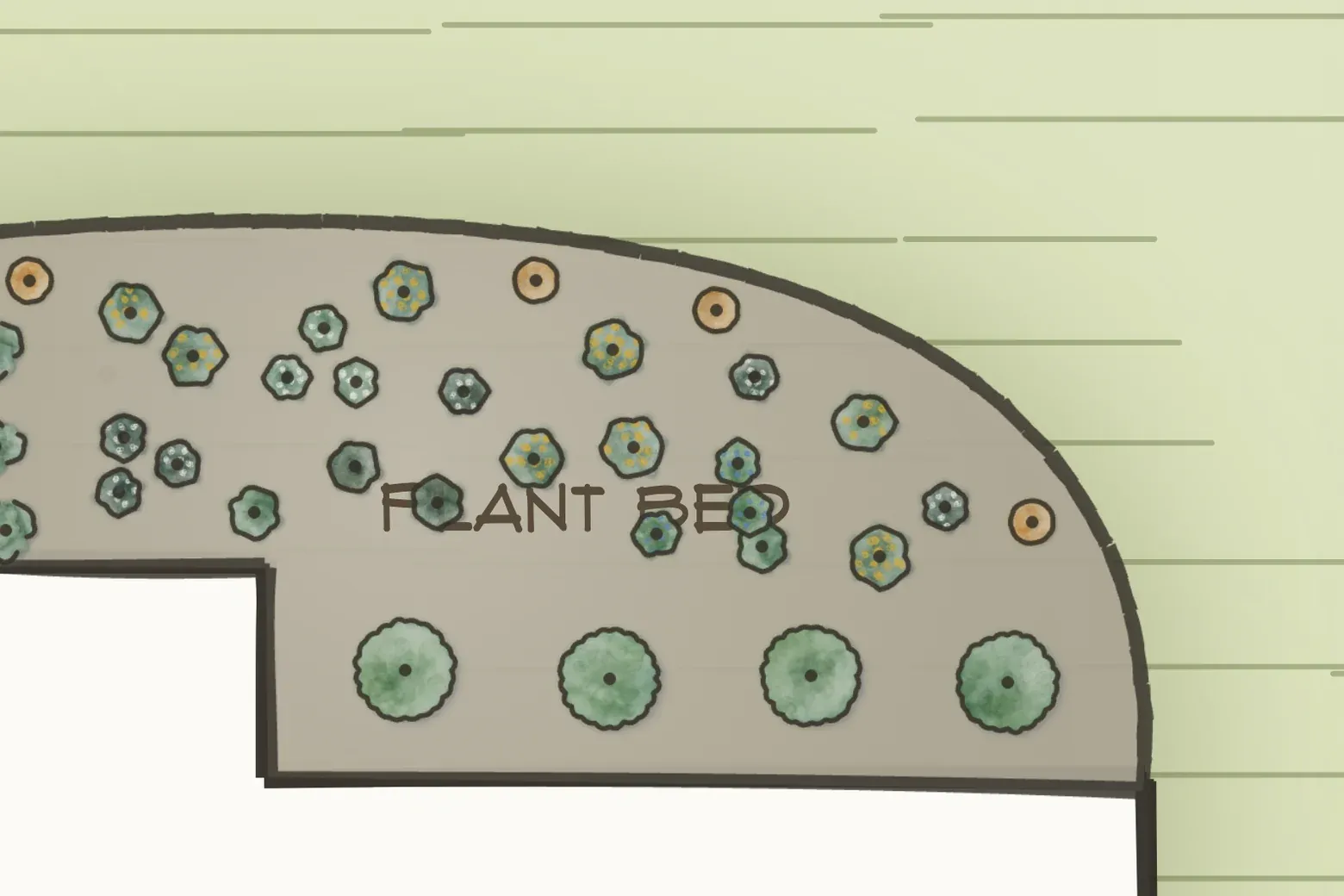
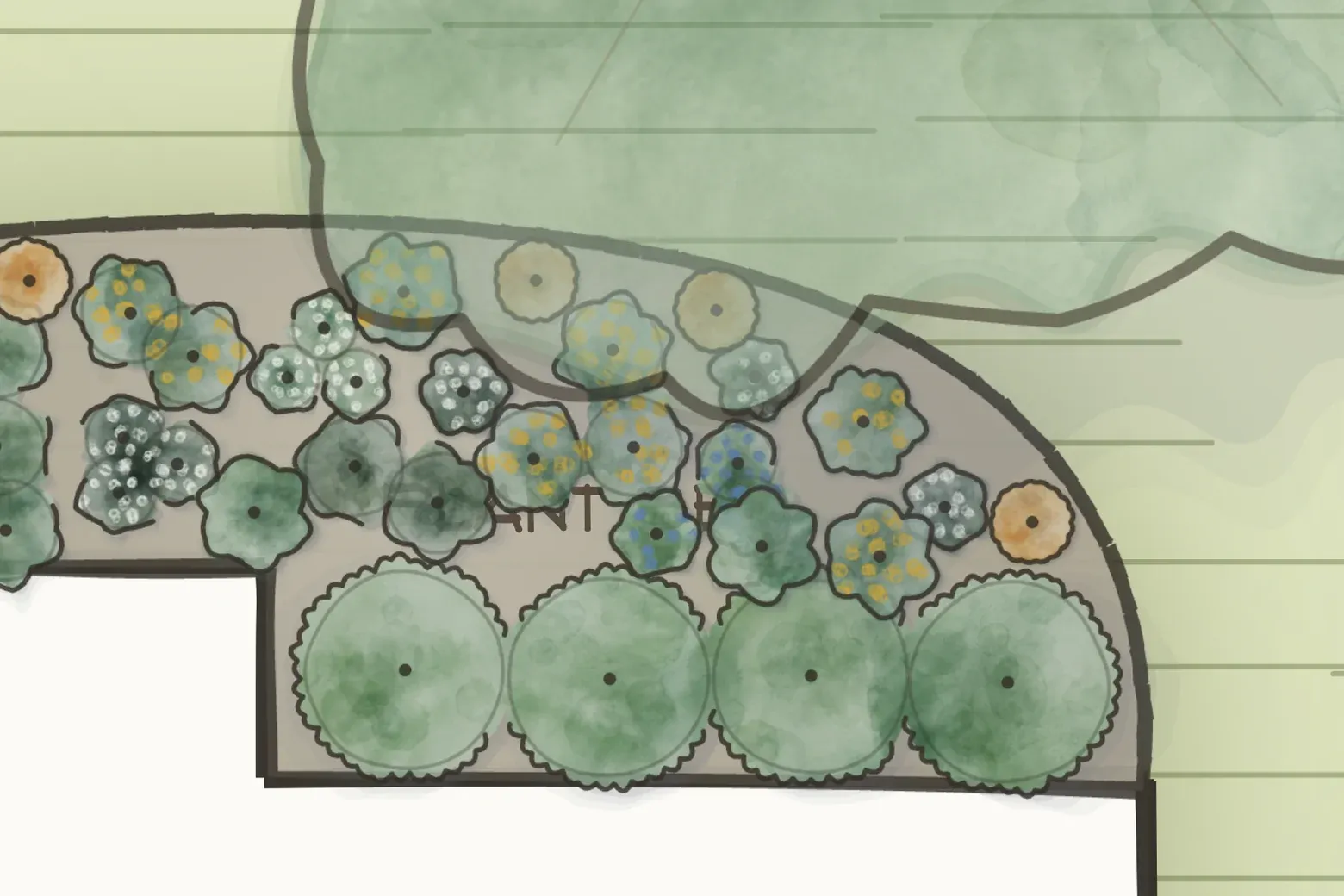
Yes. You can shape planting beds and add hardscape and other landscape elements to create a complete property plan.
How does Klora help me choose plants?
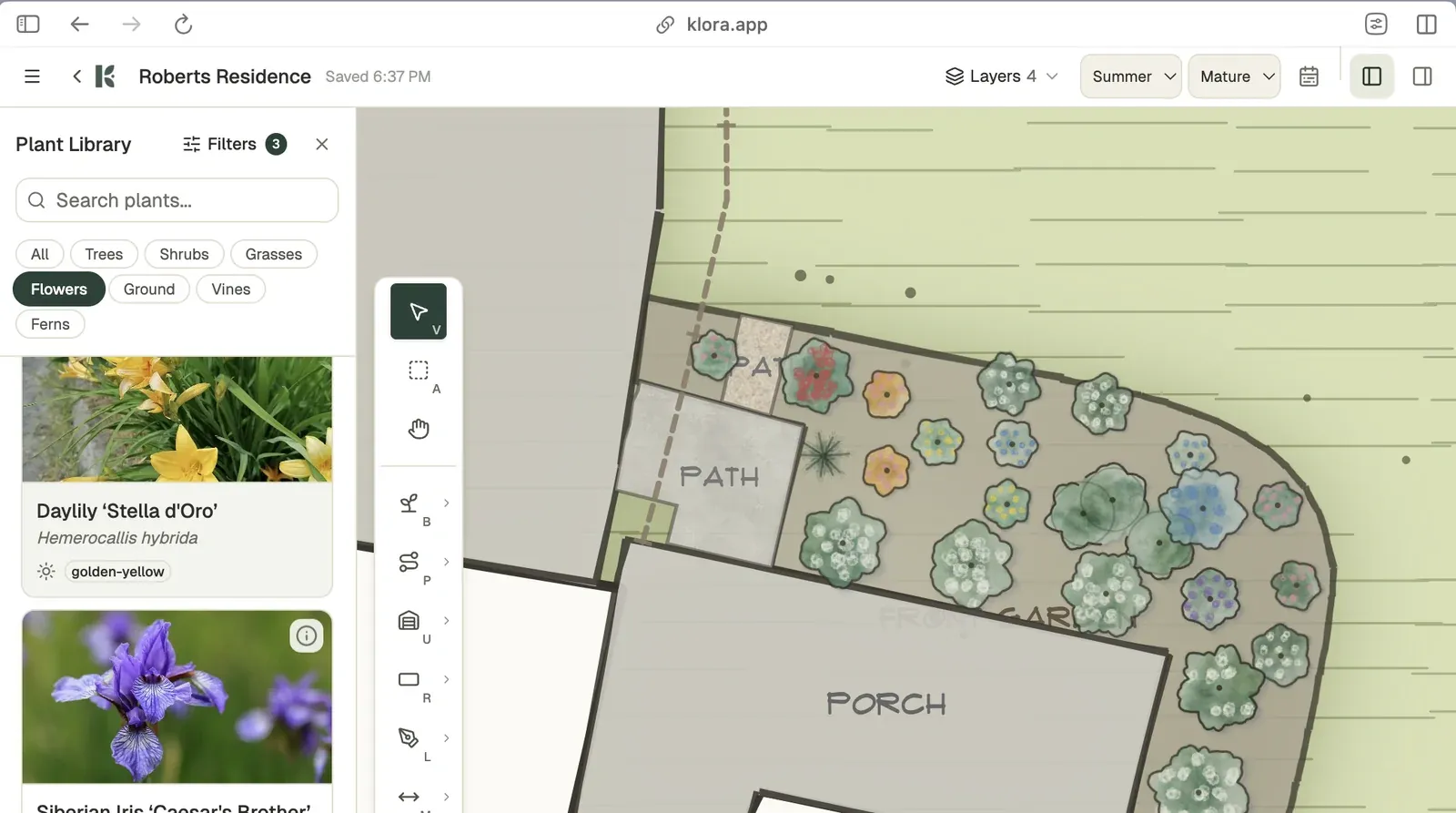
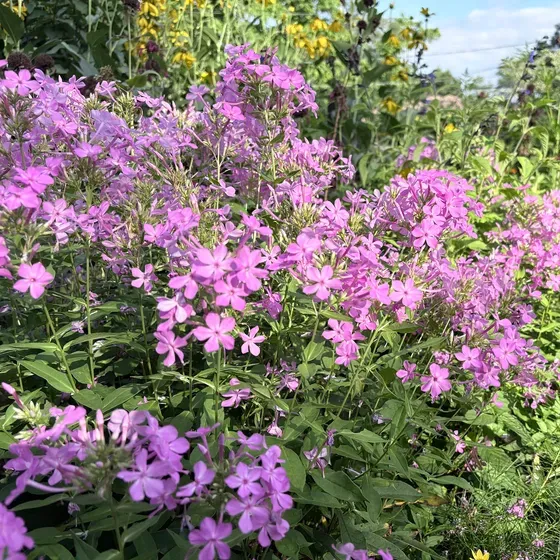
You can search and filter plants by characteristics including size, sunlight, color, bloom timing, growth type, and useful landscape traits. Klora also helps evaluate whether a selected plant is suited to its placement.
Can I see how the garden changes over time?
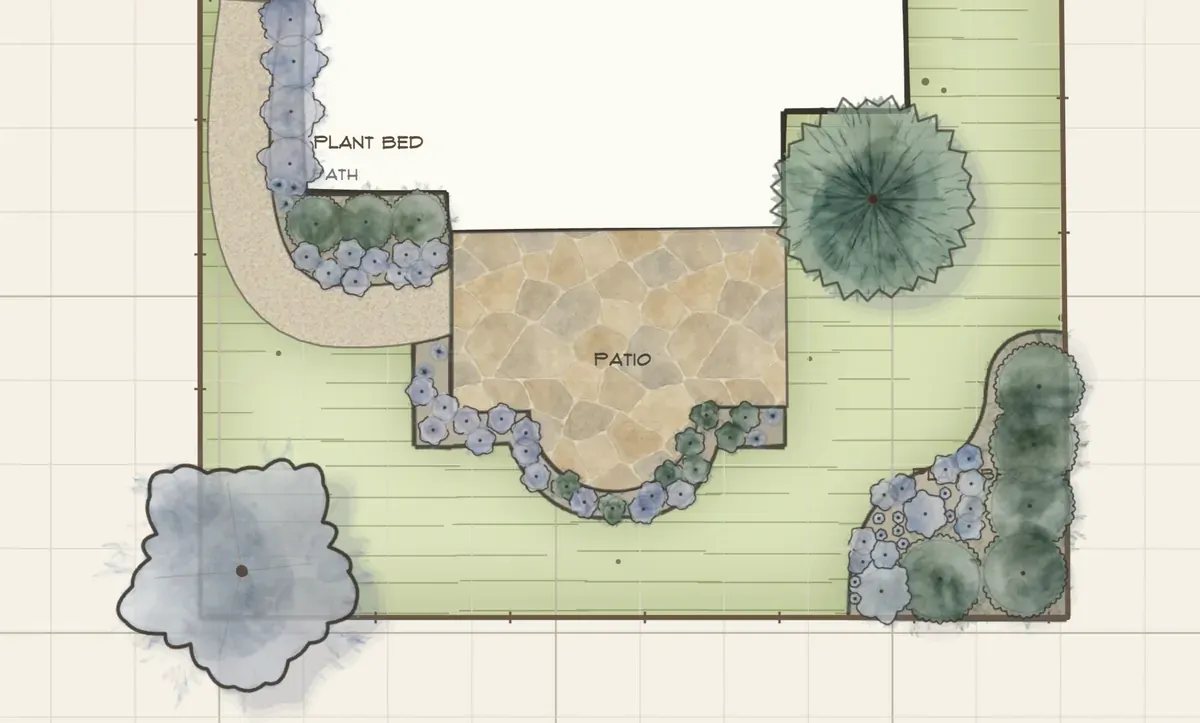
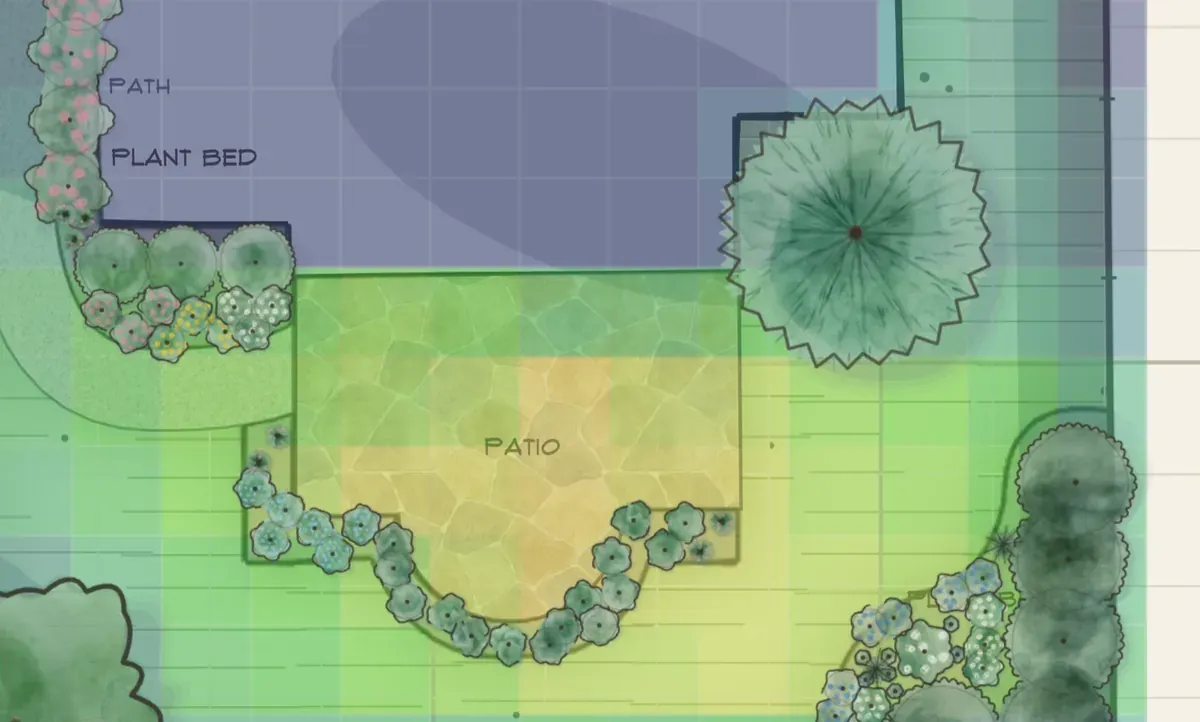
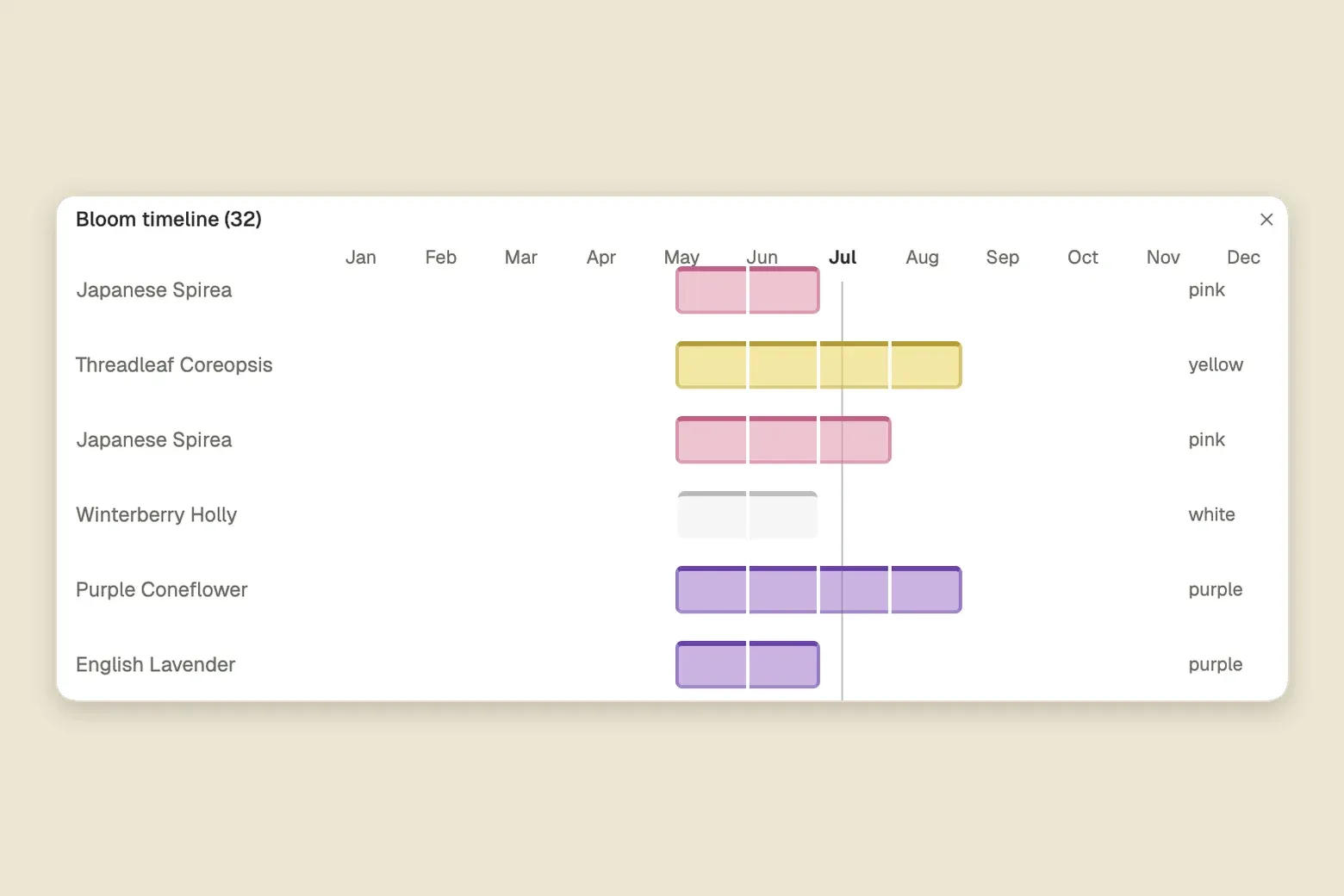
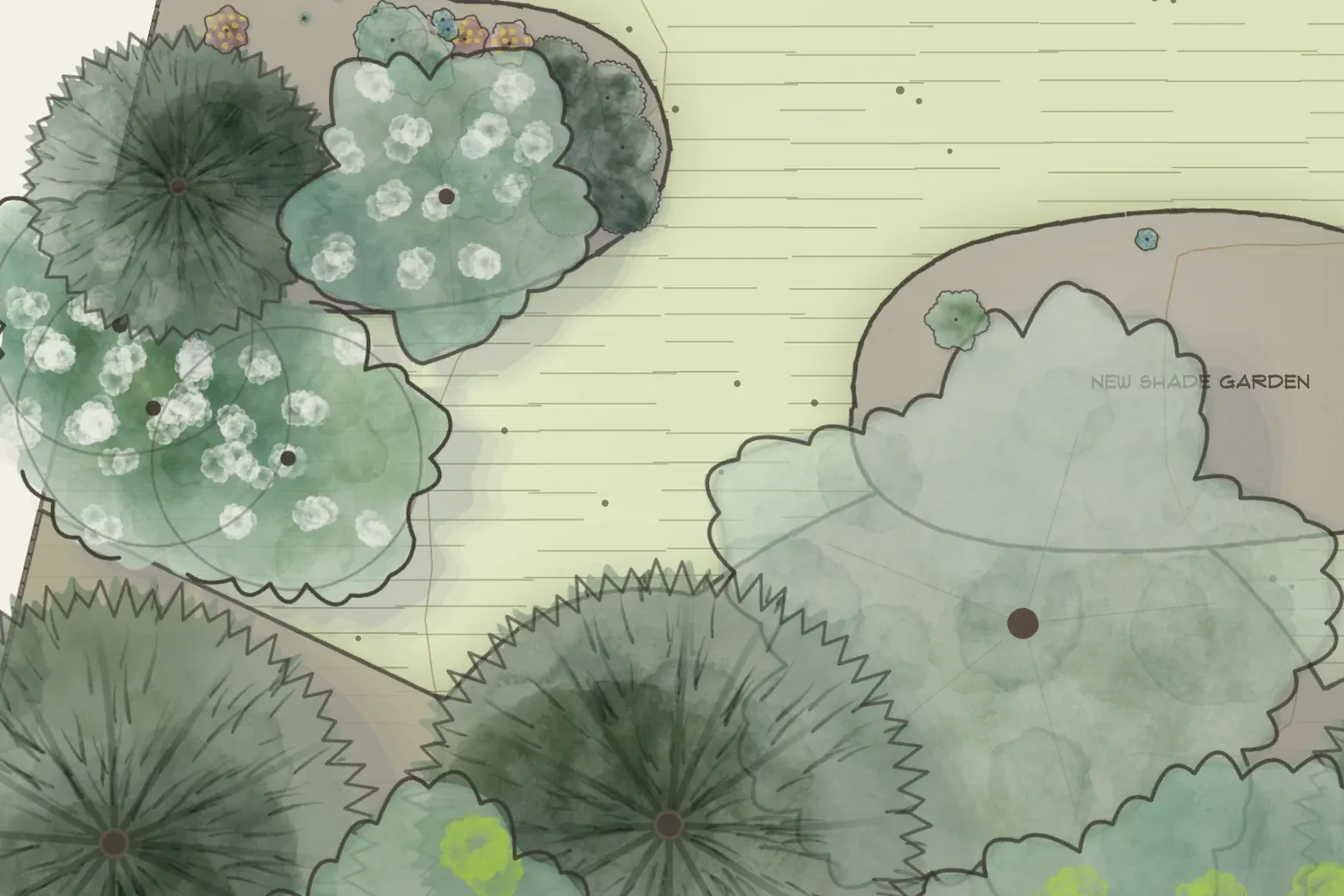
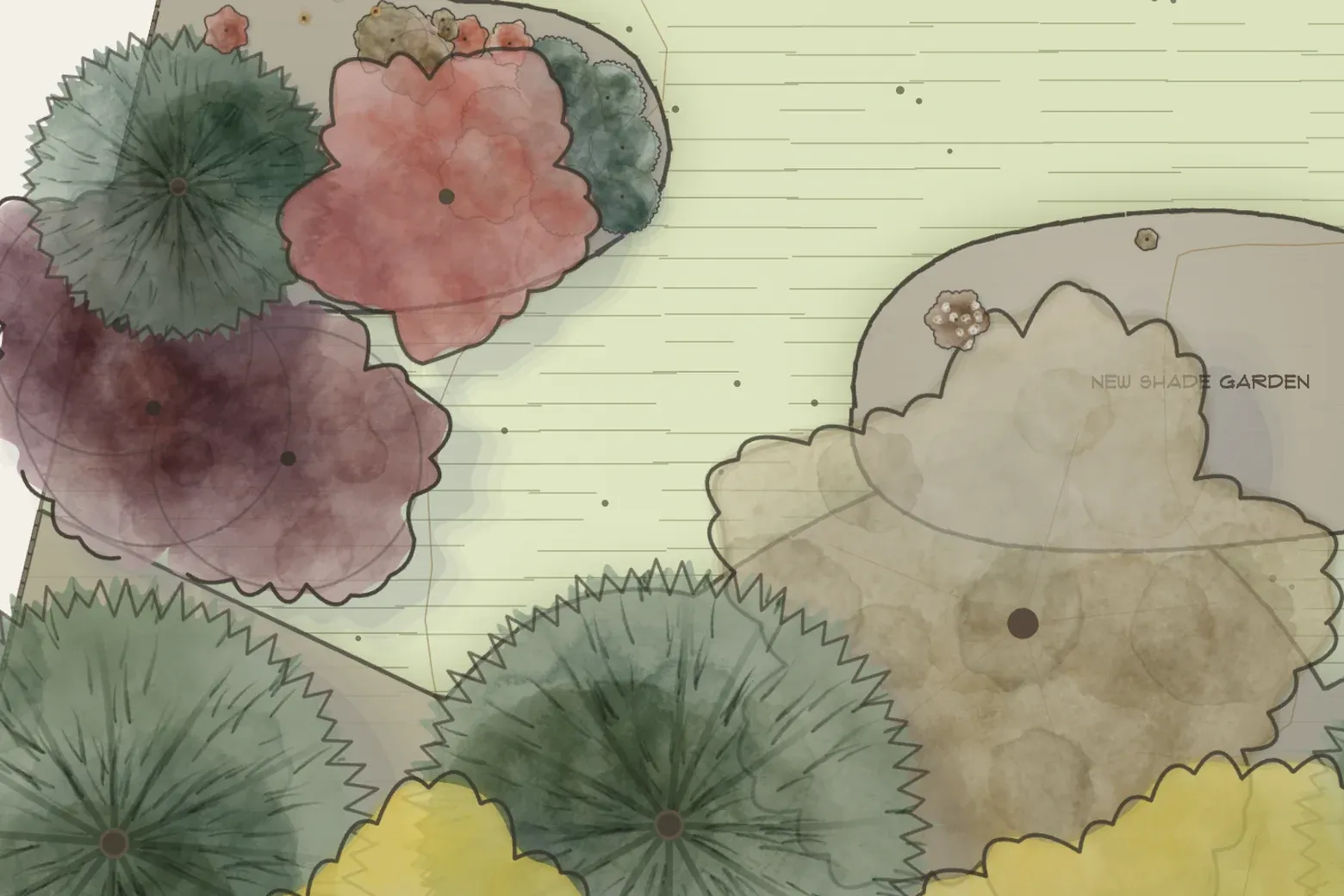
Klora includes seasonal, bloom, sunlight, and mature-growth planning tools so you can consider more than a single snapshot of the garden.
What does the free plan include?
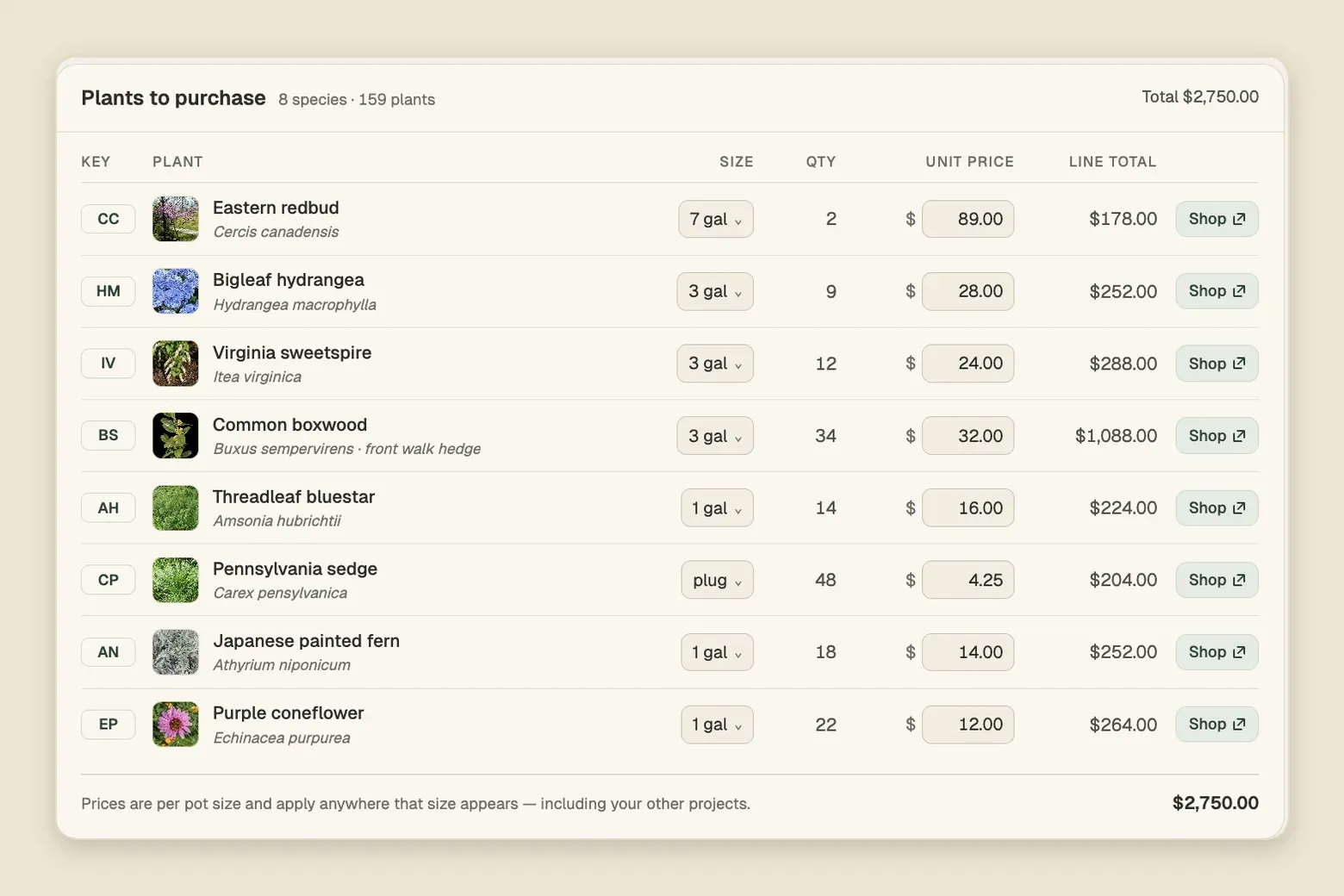
Free includes one complete design of your property, all the planning tools, the full plant library of more than 1,400 species, plant recommendations, shopping lists, and sharing. It is the default for every account, so you can plan a whole project and take the plant list to the nursery without paying anything.
What does Klora Plus add?
Klora Plus adds PDF export, multiple designs, and maintenance planning on top of everything in Free. It is available as a 90-day Project Pass with no subscription, or as a subscription billed monthly or annually.
What is the 90-day Project Pass?
The Project Pass is Klora Plus for one landscape project: 90 days for a single $24 payment, with no subscription and nothing that renews. It suits homeowners completing a defined landscape or garden project.
Which plan should I choose?
Start on Free. Choose the Project Pass if you have one landscape project and want Plus without a subscription. If you are always working on the yard, subscribe: monthly for flexible access while you are actively designing, or annually to save 28% and plan in phases across the year.
How does Klora compare with other landscape design software?
Klora is built around planning what to plant and where, on your own property. Photo and AR apps are better for previewing a makeover over a picture of your yard, and general 3D or CAD tools are better for modelling structures, terrain and hardscape in detail. Compare Klora with other landscape design tools.
Is Klora a replacement for a landscape architect?
No. Klora is a planning and decision-support tool. Complex grading, drainage, structural, engineering, permitting, and safety questions should still be evaluated by qualified local professionals.
Looking for how something works? Browse the Klora guides
— short reads on drawing your property, planning beds, and exporting a plan.